WhatsApp Auto-Reply for Android
Reply while you're away — safely
Auto Reply Ping sends allowlist-first WhatsApp auto-replies on your Android phone — with rules, templates, active hours, safety limits, and optional AI fallback. Everything stays on your device.
The App
A focused, safety-first workflow
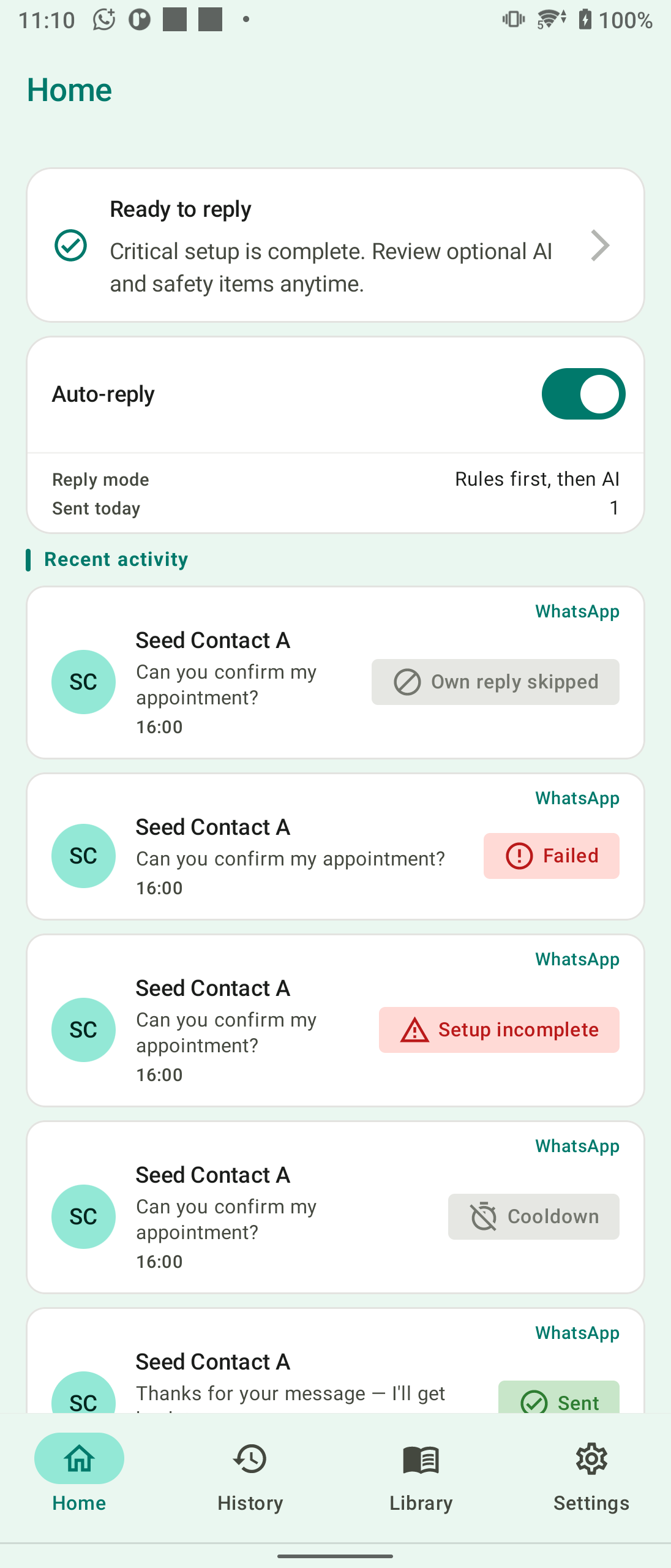
Auto Reply Ping keeps things clear: set up once, allow the right contacts, and let rules handle the rest.
Home
Rules
Templates
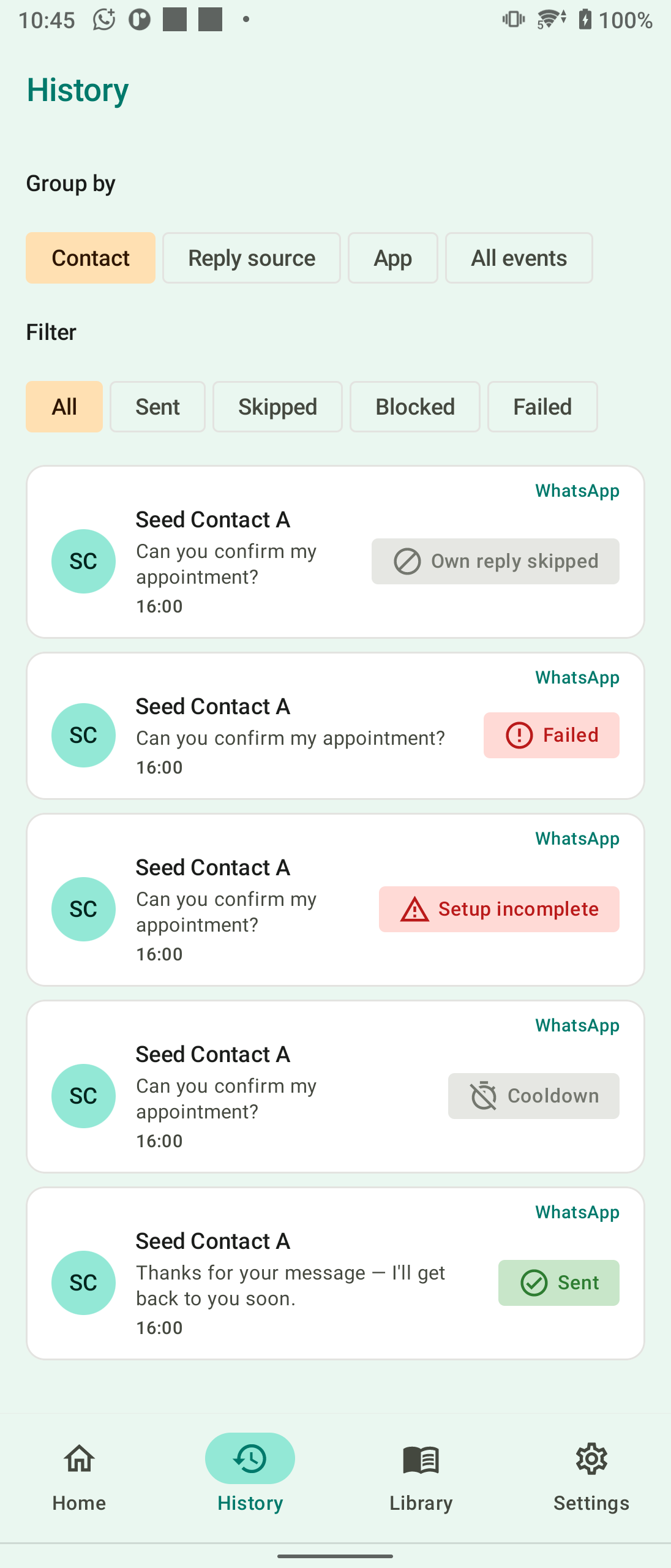
History
Core Features
Built for safe, controlled auto-replies
Auto Reply Ping gives you the tools to automate WhatsApp replies without losing control — rules, limits, and transparency at every step.
Allowlist-First Rules
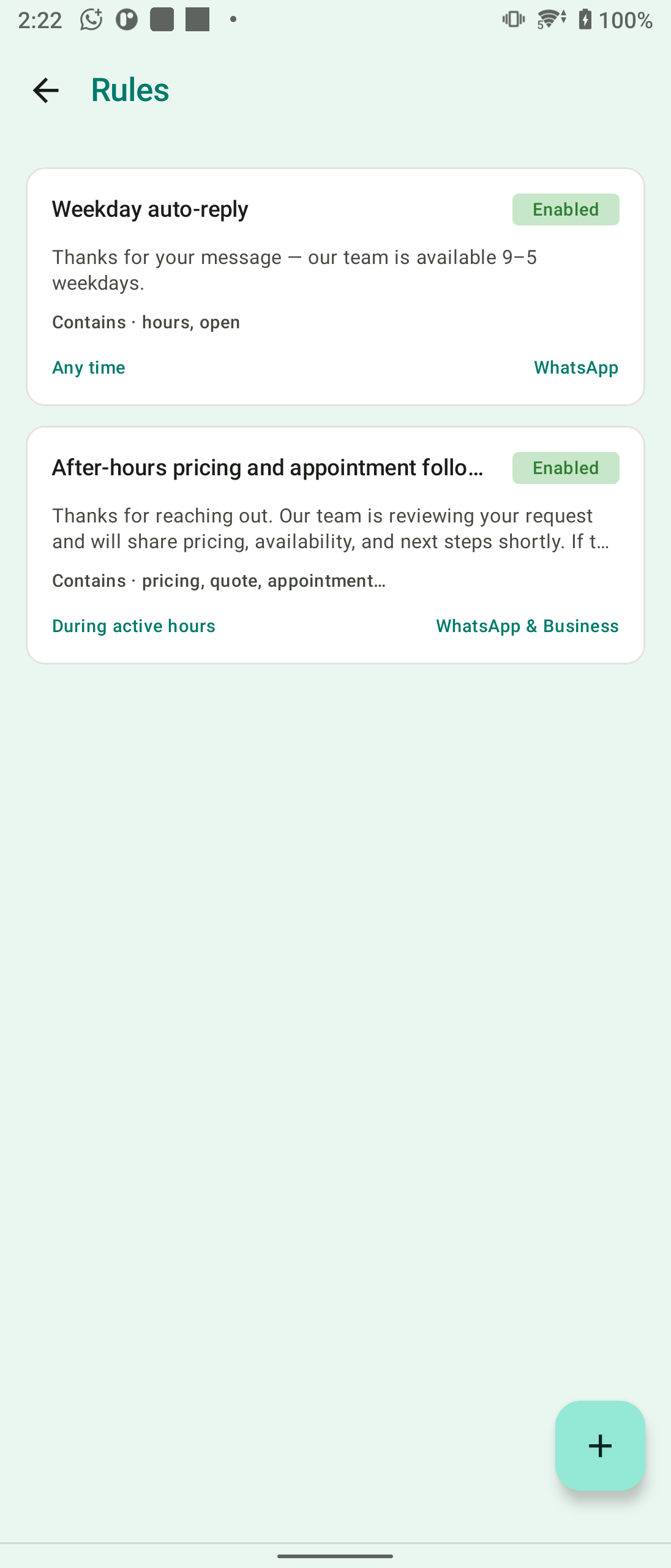
Create rules that only reply to allowed contacts. Match all messages, exact phrases, or keywords — and choose WhatsApp, WhatsApp Business, or both.
Reusable Templates
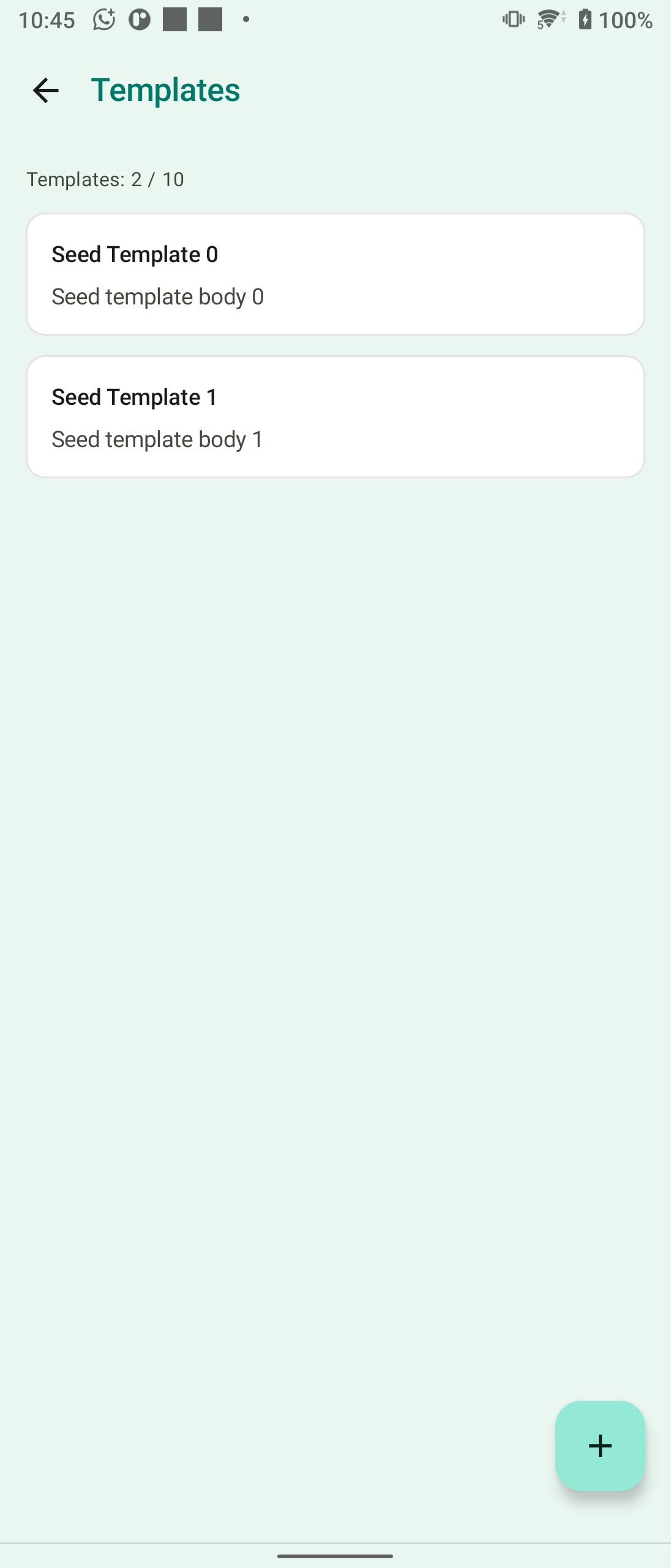
Build reply bodies with placeholders like {recipient_name}. Link templates to rules or use them for away messages outside active hours.
Active Hours & Delays
Schedule when auto-replies may send, add human-like reply delays, and choose to skip or send an away template outside your hours.
Safety Controls
Daily caps, per-chat cooldowns, loop protection, and group controls keep replies conservative — so automation stays safe.
Optional AI Fallback
Bring your own OpenRouter API key for AI-drafted replies. Use rules first, AI only, or a hybrid — with tone and business context you control.
Full Delivery History
See every reply attempt — sent, skipped, blocked, or failed — with clear outcomes so you always know what happened and why.
How It Works
Three steps to safe auto-replies
Auto Reply Ping guides you through setup so replies work reliably — without guessing which permissions matter.
Grant notification access
Auto Reply Ping reads WhatsApp notifications to detect inbound messages. The Setup Center walks you through notification access and background reliability.
Create rules and allow contacts
Add your first rule, pick allowed chats, and set active hours. Start simple — one contact, one rule — before adding AI or group replies.
Turn on auto-reply
Enable auto-reply from Home. Incoming messages that match your rules get a reply — and every outcome shows up in History so you stay in control.
Why Auto Reply Ping
Automation with guardrails, not guesswork
Auto Reply Ping is built for people who need away messages and quick replies — but want conservative rules, clear outcomes, and full control.
Allowlist-first by design
Replies only fire for contacts you allow. Groups stay off by default. You decide who gets an auto-reply — not the other way around.
Transparent delivery history
Every reply attempt is logged with a clear outcome — sent, skipped, blocked, or failed — so you always know what happened and why.
Your data stays on your device
Rules, templates, reply history, and settings are stored locally. No cloud account is required for core auto-reply features.
Built for reliability on real phones
Setup Center, OEM battery guidance, and warning notifications help you keep the listener active — because background-kill is the #1 support issue on Android.
FAQ
Common questions
Quick answers to what most people ask before installing Auto Reply Ping.
Start replying safely on WhatsApp
Install Auto Reply Ping on Android, set up your first rule, and let allowlist-first auto-replies handle messages while you're away.